Keep track of compensation and salary development
Manage salary and bonus payments in your employee personnel files – conveniently and transparently for everyone.
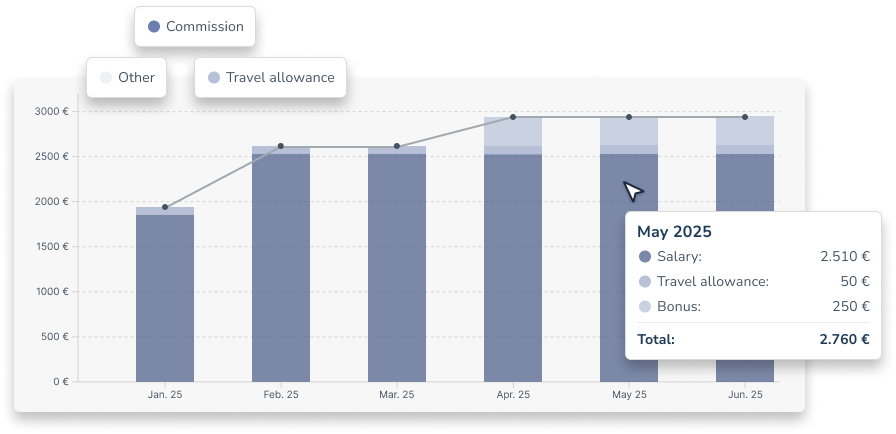

Seamless salary documentation in the personnel file
Define compensation types
Set up your own payment types, such as bonuses and other compensation, or use our handy templates for salaries or travel allowances.

Show salary progression
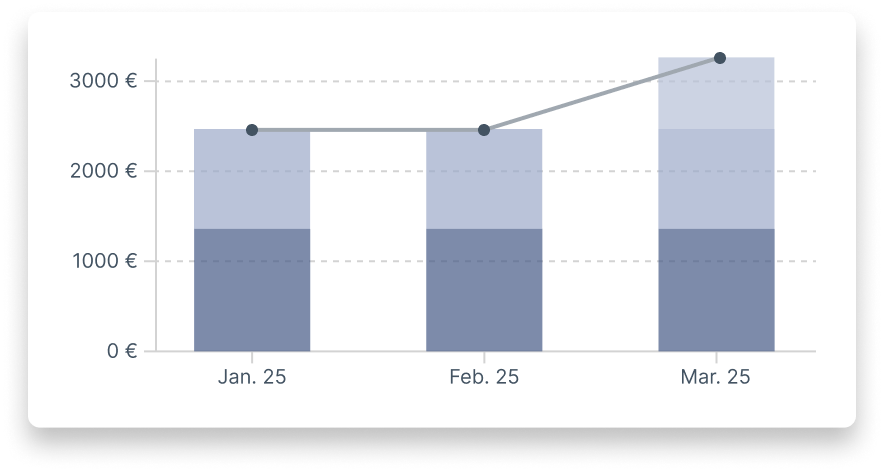
Keep track of how your employees’ salaries are developing: view all payments over time in the personnel file.
All data in one place
No more searching through folders and Excel sheets: now you can manage all salary and payment information in one place.
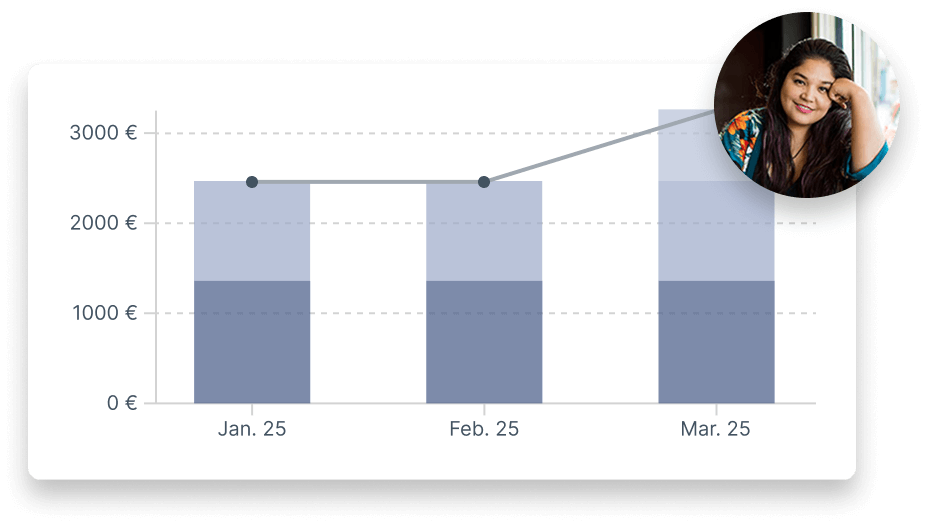
SALARY IN THE PERSONNEL FILE
More transparency, less admin
Set up personnel files in Personizer with just a few clicks. Then you and your employees have instant access to all payment data, and you’re always well prepared for the next salary review, reporting and daily HR tasks.
We spent a long time looking for a practical, intuitive digital interface to manage vacations, track working hours and submit sick notes. There are countless options out there, but Personizer brings together all the key features so simply that everyone gets to grips with it right away. Finally we’ve ditched those tedious Excel spreadsheets, and at a really fair price.
– Pascal, Head of IT and Finance at HELPER Betreuung
SET UP COMPENSATION TYPES
Salary documentation made easy
Managing personnel files needn’t take up your valuable time! Personizer makes it easy for you as the administrator to:
- Define global compensation types, e.g. salary, commission, travel allowance, vacation pay
- Create salary and special payments per employee
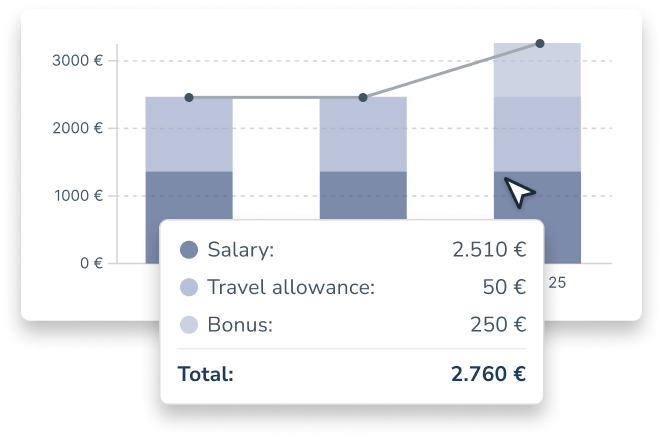
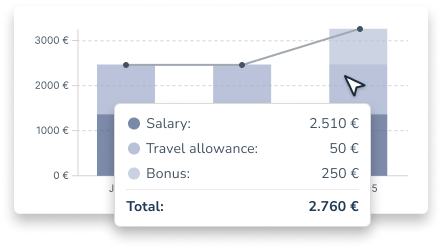
- Instantly see how salaries have developed with historical data
- Seamlessly document all employee payments and salary development
Organizations already shaping the working world of tomorrow with Personizer





Salary documentation helps you to…
… analyze salary trends across teams
Documenting all payments gives you a solid basis to make decisions on company-wide compensation policies.
… save time on routine tasks
With digital salary documentation, you reduce manual admin tasks and gain valuable time to shape your HR strategy.

… securely manage sensitive salary data
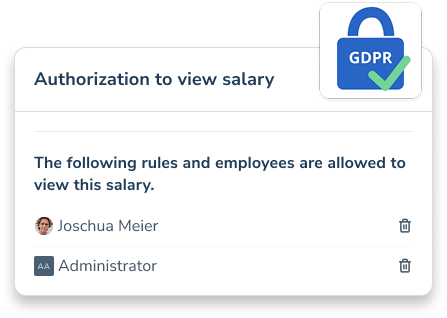
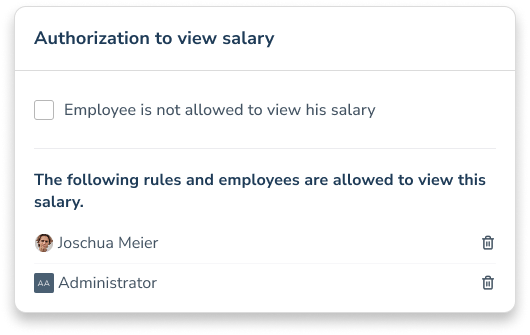
You can assign access rights individually and according to payment type, so that only authorized persons can view certain data.
Salary documentation helps you to…
Analyze salary trends across teams
Documenting all payments gives you a solid basis to make decisions on company-wide compensation policies.

Save time on routine tasks
With digital salary documentation, you reduce manual admin tasks and gain valuable time to shape your HR strategy.
Securely manage sensitive salary data
Trust in GDPR-compliant processing of all data stored in personnel files. You can also assign access rights individually and according to payment type, so that only authorized persons can view certain data.
Frequently asked questions
What allowances can I manage in Personizer?
You can store salary data such as starting salary, salary development and bonuses centrally in the digital personnel file.
Who can view salary information?
You can assign access rights for the salary data individually.
Is salary administration DSGVO-compliant?
Yes, all data is stored in encrypted form on ISO-certified servers in the EU – including DSGVO-compliant use.
Discover more features

Organigramm
Keep track of all departments in your organization.

File Management
Keep track of important documents in your employee personnel files.

Start-Stop-Timer
Choose a state-of-the-art time tracking system that employees are happy to use.