TIME TRACKING FOR TECH & IT
HR processes for tech teams that need to deliver quickly
Whether SaaS, IT service provider, system house or in-house IT: With Personizer, you can record working hours, assign project times and plan absences centrally. Less rework, more overview for HR, team leads and management.
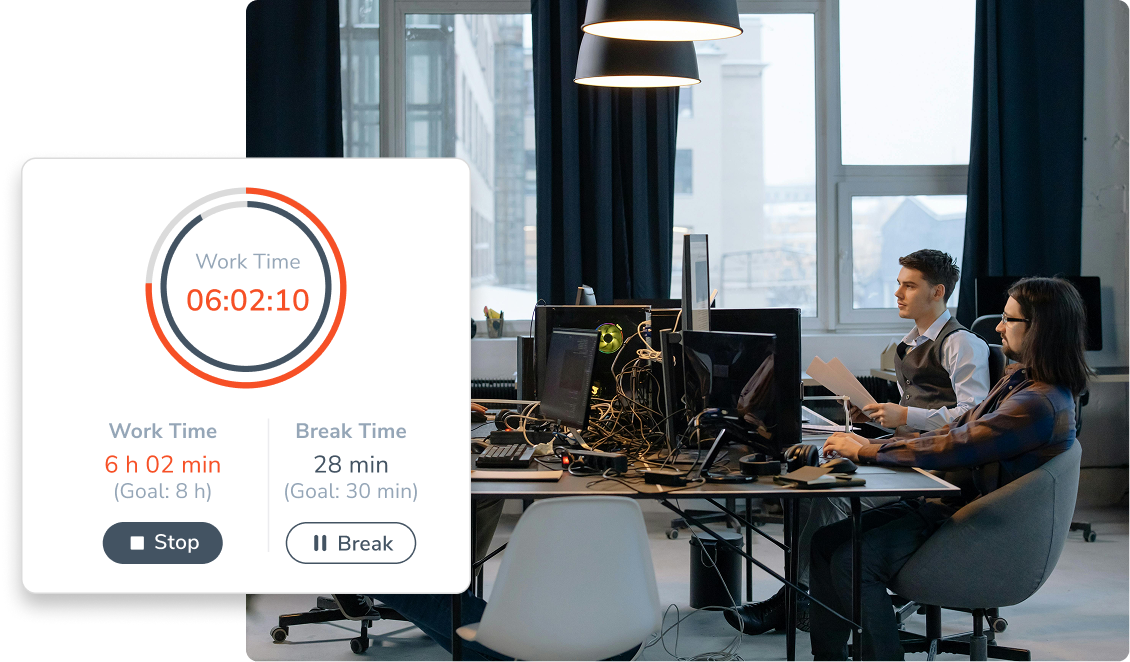
- Time tracking via web, app or browser extension
- Cleanly measuring project times and tasks with time labels
- Vacation, home office & sick days transparently in the absence calendar
Clear overview instead of tool proliferation

Self-Service instead of HR tickets
Employees manage their own times and absences. HR needs to follow up less, team leads get clean releases instead of Excel add-ons.
Time tracking in the workflow
Record working time where work happens: in the browser, on mobile or via the browser extension. Optional with Slack integration for absence status and updates.
Project times with substance
Time labels make it clear how much effort is really put into features, customer projects or support.
Organizations that are shaping the working world of tomorrow with Personizer





Frequently Asked Questions
Here you’ll find answers to the most common questions. If you need further assistance, please feel free to contact our support team.
Can I track project hours for clients or internal initiatives?
Yes. With time tags, you can assign time entries to projects, clients, or tasks and analyze or export them later.
Does the time tracking system work on mobile devices and while on the go?
Yes. Personizer runs in the browser and as an app.
Is installation required?
No. Personizer can be used directly in your browser. Optional apps are available for iOS and Android, as well as a browser extension.
How does the approval process for vacation and time off work?
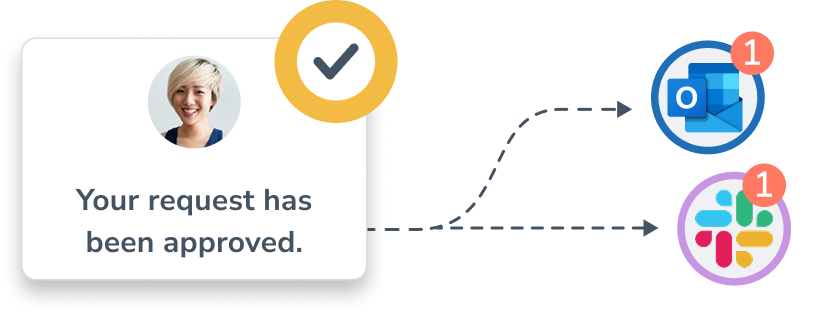
About approval processes: Approval workflows can be customized, and alternate approvers can be designated. This provides team leads with clear digital processes.
Which integrations are particularly relevant for tech teams?
For everyday use, the Slack integration (status/updates) and browser extensions (quick access) are particularly helpful.

Do you have any other questions?
Let Kai walk you through the product and show you everything. Your personal contact!

For every role in IT
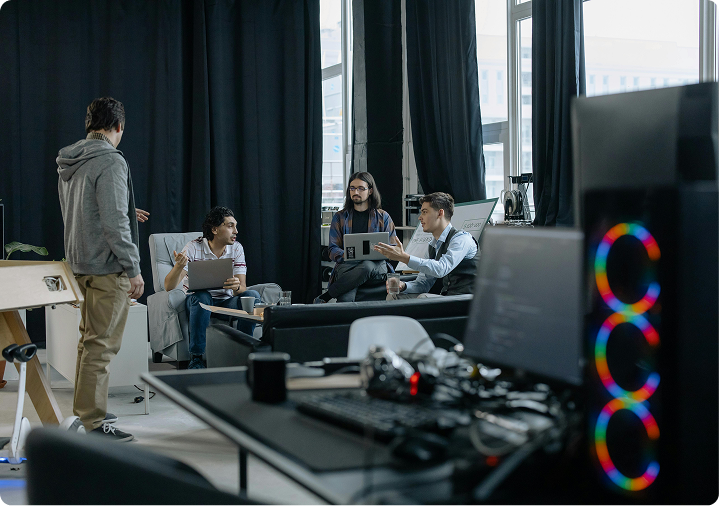
In tech teams, many topics run in parallel: product development, customer projects, support, and internal tasks. This is where Personizer helps: times and absences are in one place, project expenditures become visible, and team leaders can plan cleanly – without lists, follow-up questions, or switching tools.
HOW IT BENEFITS FROM THIS
SaaS-Teams
Early recognition of sprint overload because working hours and absences are visible centrally. Evaluate project times by time label according to feature/initiative.

HOW IT BENEFITS FROM THIS
IT-Service / Consulting:
Cleanly record and export project times. Fewer discussions, better post-calculation, clear data for billing and controlling.
HOW IT BENEFITS FROM THIS
Systemhouse
Transparently plan technician assignments and on-site appointments. Who is available, who is at the customer’s? Record travel times and make utilization visible.
I appreciate Personizer because it gives me confidence in my decisions. If something needs to be decided at short notice, I know immediately how the team is set up. This reliability is extremely valuable in everyday life.”
Rene, Sales at Sepal AI
The most important features for your tech company

Work Schedules
Flexible hours, remote work policies, part-time schedules, or traditional work schedules – Personizer flexibly supports a variety of work schedules. Learn more

Export Functions
Export times, absences, and time labels – for financial planning, payroll, or tax preparation.

Start-Stop-Timer
Time tracking down to the minute with just a few clicks. Ideal for focused work periods, support, and rotating tasks. Learn more

Time Bank
Keep track of overtime and accurately document reporting requirements – without Excel spreadsheets. Learn more

Time Tags
Track and analyze project-related working hours. For greater transparency in projects and tasks. Learn more

Approval Processes
Vacation and leave requests follow a clear process: request → review → approve. Less back-and-forth, more reliability. Learn more
Fewer context switches, faster decisions
- Slack Integration: Absences visible as statuses/updates directly in Slack
- Browser Extensions: Quick access to time tracking within the Chrome/Edge workflow
- DATEV Integration: For payroll and accounting processes in Germany
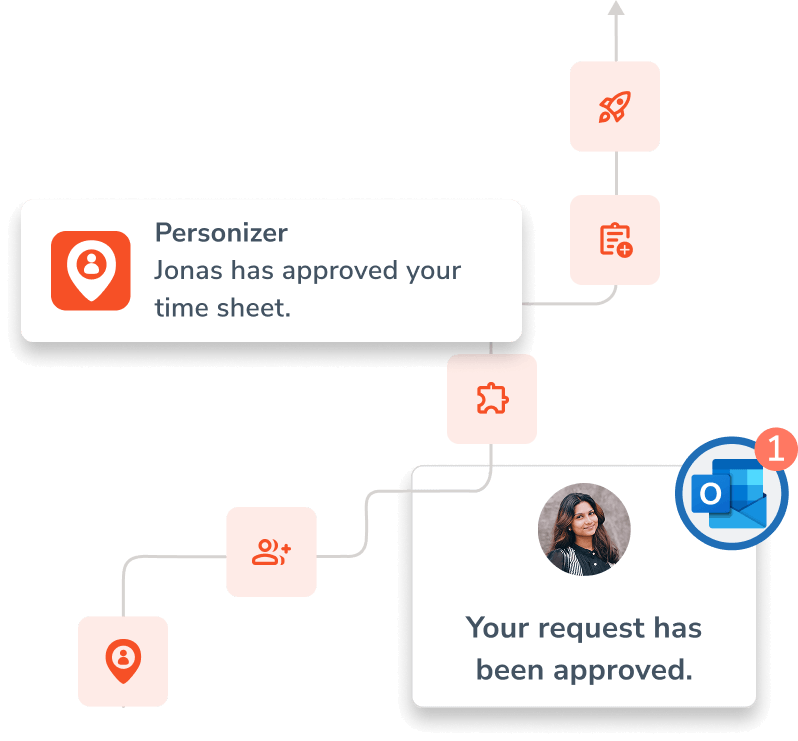
Here’s how easy it is to get started with Personizer
- Create an account
- Invite your team
- Activate the app or browser extension
- Enter your first times or vacation requests
- Done—your daily HR tasks are now digital
- No payment information required · Unlimited users with basic features
Minimize data protection and compliance risks
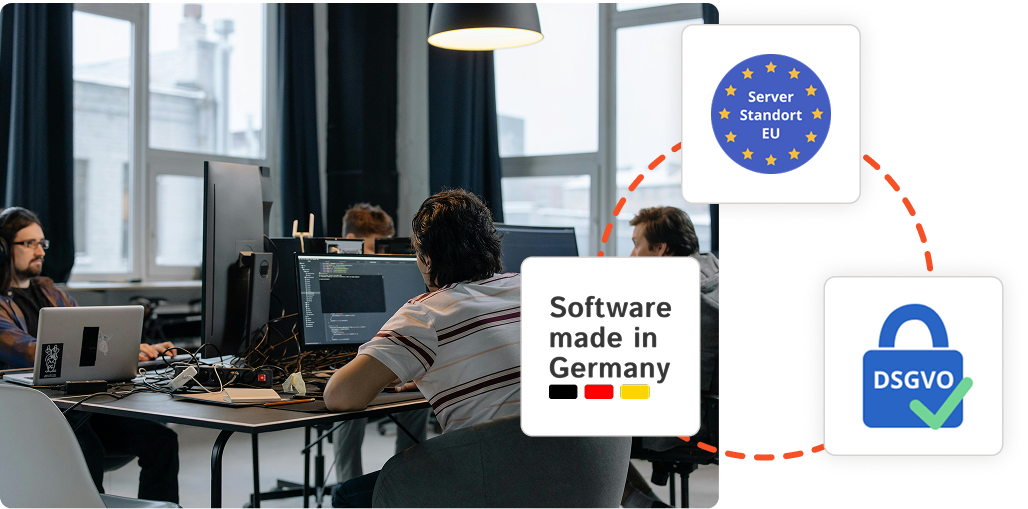
Employee data and work schedules are among the most sensitive types of information in a company. Personizer supports GDPR-compliant processes, encrypted data transmission, and EU-based hosting, enabling HR and managers to make decisions without worrying about risks.
Benefits for decision-makers
Management
- Reliable data instead of gut feelings (workload, overtime, absences)
- Less operational friction thanks to clear processes
- A quick overview of teams, without the “Who knows what?”
HR / People
- Fewer follow-up questions, fewer manual corrections
- Accurate tracking of work hours and absences
- Centralized data repository (no tool ping-pong)
Teamlead / Engineering Manager
- Planning with real data (time labels, absences, capacity)
- A clear approval process instead of DM chaos
- Less meeting overhead because availability is visible
HR software for IT companies: What you need to know
Why do IT companies need digital time tracking?
IT companies are considered pioneers in digital tools—but when it comes to tracking working hours, the reality is often quite different. According to a 2024 Bitkom study, around 40% of companies in the tech sector still do not systematically track their working hours digitally. Yet the legal situation is clear: Since the Federal Labor Court (BAG) ruling of September 13, 2022 (Case No. 1 ABR 22/21), all employers are required to fully track their employees’ daily working hours—regardless of industry, company structure, or the proportion of work done remotely.
For IT companies with 15–100 employees, this means: Remote work and flexible working hours do not exempt them from the recording requirement. On the contrary—especially in companies with distributed teams working from home, in coworking spaces, or on-site at a client’s location—a solution is needed that works everywhere. Personizer tracks working hours via browser, mobile app (iOS and Android), and Chrome and Edge extensions—without additional hardware, without an IT project. Particularly relevant for IT and software companies: the ability to tag time entries. This allows time to be directly assigned to a project, a client, or a task. Development hours for Product A, consulting hours for Client B, internal meetings—all categorized and analyzable with a single click. This creates transparency for project planning and provides the data foundation for client billing and internal cost control.
Automatic labor law alerts notify users when the maximum daily working time of 10 hours (Section 3 of the German Working Hours Act) is exceeded or minimum rest periods of 11 hours (Section 5 of the German Working Hours Act) are not observed—a common issue during project phases with tight deadlines. This protects IT companies from fines while simultaneously safeguarding the health of their employees.
Vacation planning in IT companies – remote teams, project phases, and fair allocation
In IT companies, vacation requests regularly clash with critical project phases: release deployments, sprint wrap-ups, and client presentations. At the same time, many teams work in a hybrid or fully remote setup—without a central location where vacation schedules can be posted. Email-based vacation planning doesn’t scale: once you have 15 or more employees, it’s easy to lose track of who’s away and when.
With Personizer, all employees can immediately see in the team calendar who is on vacation during the same period. Multi-level approval processes ensure that team leads and HR are involved—without endless email back-and-forth. You can set blackout periods for critical phases, so the system automatically flags vacation requests during these times.
For IT companies with employees in different states or working remotely across the DACH region: Personizer automatically displays holidays based on location. Someone based in Bavaria has different holidays on Christmas Eve than colleagues in Berlin or Vienna. This prevents planning errors and manual corrections. Custom absence types allow you to define additional categories beyond standard vacation and sick leave, such as training days, conference attendance, overtime reduction, or unpaid leave. This is a particularly useful feature for tech companies that actively encourage professional development. Thanks to the Slack integration, absences automatically appear in the team channel—without the need for manual status updates.
iCal and Outlook synchronization integrates absences directly into existing calendars.
Digital personnel files for IT companies: GDPR, scalability, and DATEV
IT companies often grow quickly: a team of 10 can expand to 40 employees within two years. As the company grows, so does the complexity of HR administration—contracts, salary histories, certificates, training records, and NDA documents. What might work in the early stages with a folder on a hard drive becomes a real vulnerability as the team grows.
A digital personnel file solves this structurally. In Personizer, all HR documents are stored centrally and securely: employment contracts, pay stubs, references, sick leave certificates, and custom documents. The document storage includes 1 GB per account. Custom data fields allow you to store IT-specific information—such as certifications (AWS, Azure, Google Cloud), skill levels, or the end of the probationary period.
Salary access rights are particularly sensitive in IT companies: Who is allowed to view salary information? Personizer controls this at a granular level—team leaders can see working hours and absences, but not salary data. HR has full access. Founders and executives retain the big picture. All data is stored on ISO-certified EU servers, and a Data Processing Agreement (DPA) is included with every account. The DATEV interface significantly simplifies data exchange with the tax office: Personizer transfers master data, absences, and working hours directly via the DATEV payroll exchange, payroll import, and payroll export data services. The integrated eAU retrieval (electronic certificate of incapacity for work, mandatory since January 1, 2023) ensures that sick leave notifications are automatically processed digitally—without paper certificates or manual data entry.
For IT companies using Microsoft 365 or Google Workspace, Personizer offers SSO via Microsoft Entra ID and Google Workspace. Employees log in with their existing company accounts—no separate password management, no additional login. This reduces IT overhead and increases adoption within the team.