Custom work schedules for greater flexibility
Offer your employees personalized solutions and manage them all in one tool.
Modern work on solid foundations
Autonomous
Allow your team to flexibly arrange their working hours.

Legally compliant
Rely on secure records of all overtime.
Versatile
Implement a variety of work schedules such as flextime or part-time.
WORK SCHEDULES
From conventional to progressive
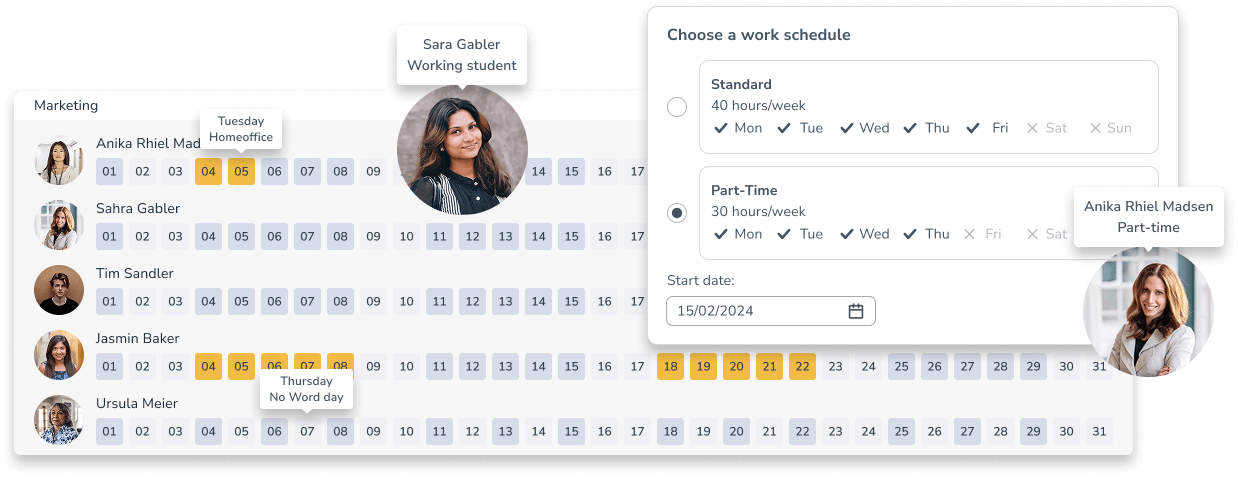
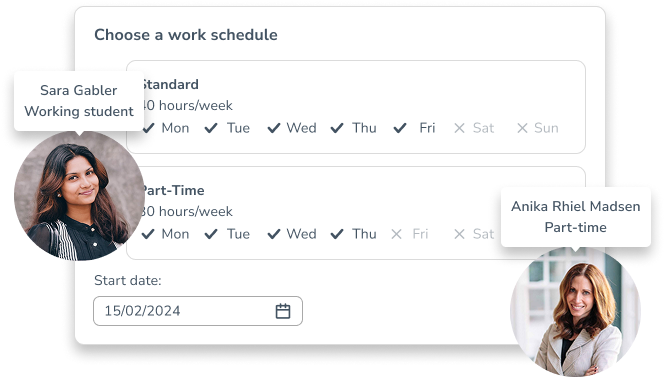
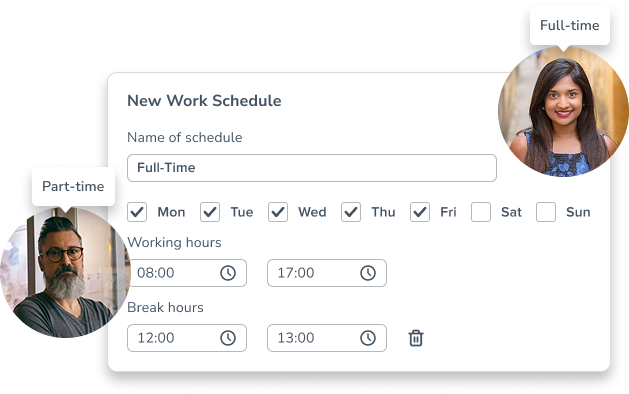
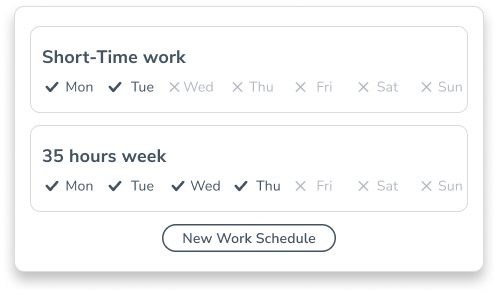
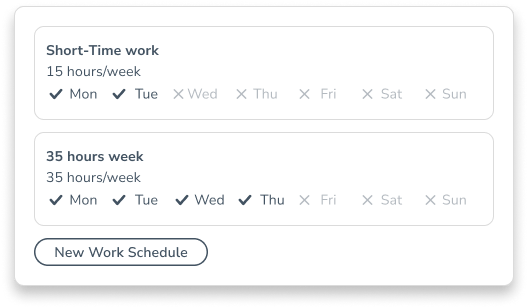
Create a variety of work schedules and assign them to your employees. Set the daily working hours and break times and specify the days on which they will work. With these and many other options to choose from, Personizer supports work schedules such as:
- Full- and Part-time
- Flextime
- Trust-based schedule
- Short-time work
TIME BANK
Fair treatment in every situation
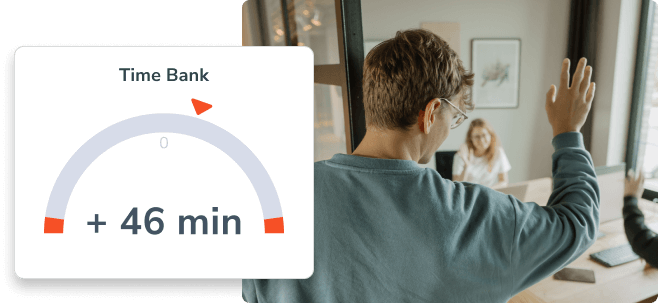
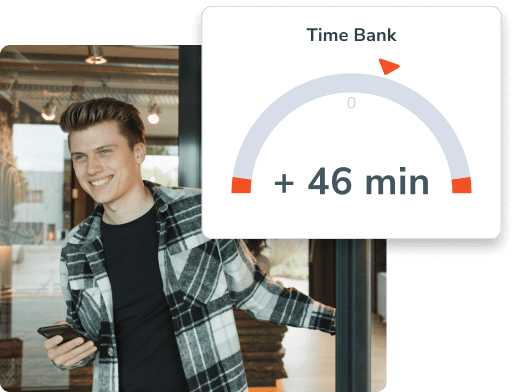
The time bank ensures that overtime and minus hours are automatically recorded. The integrated workflow for approving overtime and minus hours guarantees compliance with labor law requirements and company agreements.
Personizer fits our time tracking requirements perfectly, as our employees are spread across three groups: office, home office and field work, each with specific needs. What really stands out is the ability to use Personizer on any kind of device without compromising on key features. Across all these work environments, Personizer is easy to navigate and intuitive to use.
Andreas – Managing Director of Nonstop Technologies GmbH
MOBILE ACCESS
Flexible working hours in your pocket
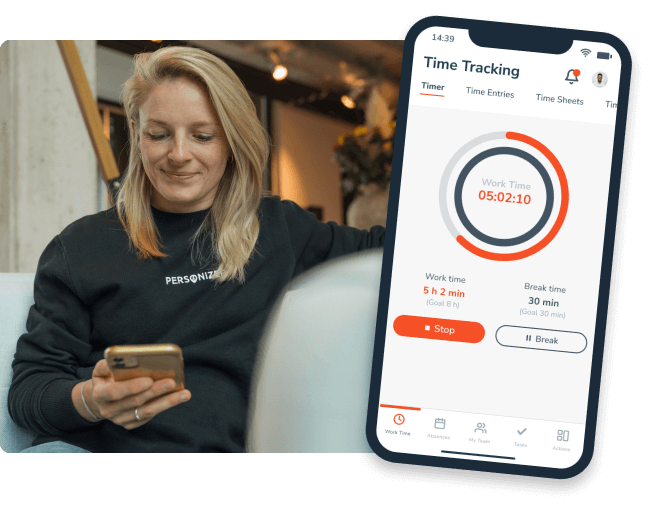
Using the Personizer app and mobile-friendly website, employees can flexibly record and manage their working hours from anywhere. This unrestricted accessibility is especially important for modern forms of work such as home office.
TEAM CALENDAR
Keep your whole team in view
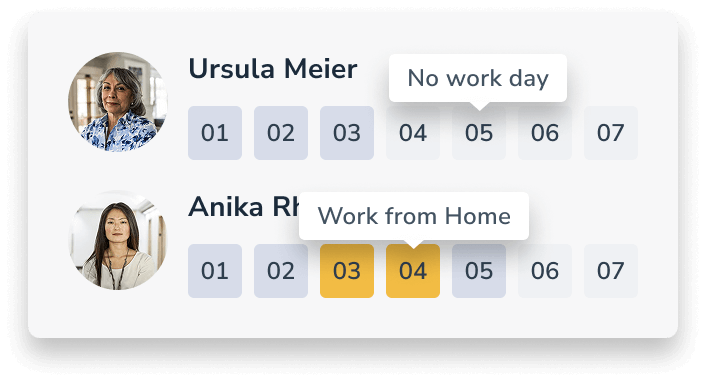
To give you an instant overview of work days and absences within a team, the individual schedules are displayed graphically in the team calendar. Non-working days are grayed out and home office days are highlighted yellow.
Organizations already shaping the working world of tomorrow with Personizer





Our work schedules help you to…
… respond to your employees’ needs
Allow your employees to choose schedules that better suit their specific life situations.

… react flexibly to changes
By providing a variety of work schedules, your organization can adapt more effectively to seasonal fluctuations, project phases and other business cycles.
… boost employee motivation
Giving employees more control over their schedules often increases their sense of commitment and responsibility.
Our work schedules help you to…

Respond to your employees’ needs
Allow your employees to choose schedules that better suit their specific life situations.
React flexibly to changes
By providing a variety of work schedules, your organization can adapt more effectively to seasonal fluctuations, project phases and other business cycles.

Boost employee motivation
Giving employees more control over their schedules often increases their sense of commitment and responsibility.
Frequently asked questions
Which working time models does Personizer support?
Personizer allows you to map different models such as full-time, part-time, flexitime, trust-based working hours, home office and short-time working.
How do I create a working time model?
Administrators can create new models in the “Working time models” area by defining working days, daily working and break times and other framework conditions.
Can employees adjust their working hours themselves?
Depending on their authorization, employees can edit their time entries. These rights can be defined individually in the respective working time model.
How are overtime and minus hours recorded?
The integrated working time account automatically documents overtime and minus hours and supports an approval workflow to ensure compliance with labor law requirements.
Is mobile access to working time models possible?
Yes, working times can be flexibly recorded and managed from anywhere via the Personizer app and the mobile website.
Discover more time tracking features

Time bank
Offer your employees more freedom to manage their time.

Time tags
So you can easily measure and assess the time spent on projects and tasks.

Start-stop timer
Choose a state-of-the-art time tracking system that employees are happy to use.